 Bearly Fit
Testing on Older Devices
12th Jan, 2026Testing on older and less powerful devices
Can be a really humbling experience.
Most of the work I do in React native is built on iOS simulator first.
I love Android even on a high end machine the emulator is often slow or buggy and the remote device control feature leaves a lot to be desired.
It slows me down.
Most of the time, there isn't much difference.
However.... every once and a while things don't go my way!
Introducing - Charts.
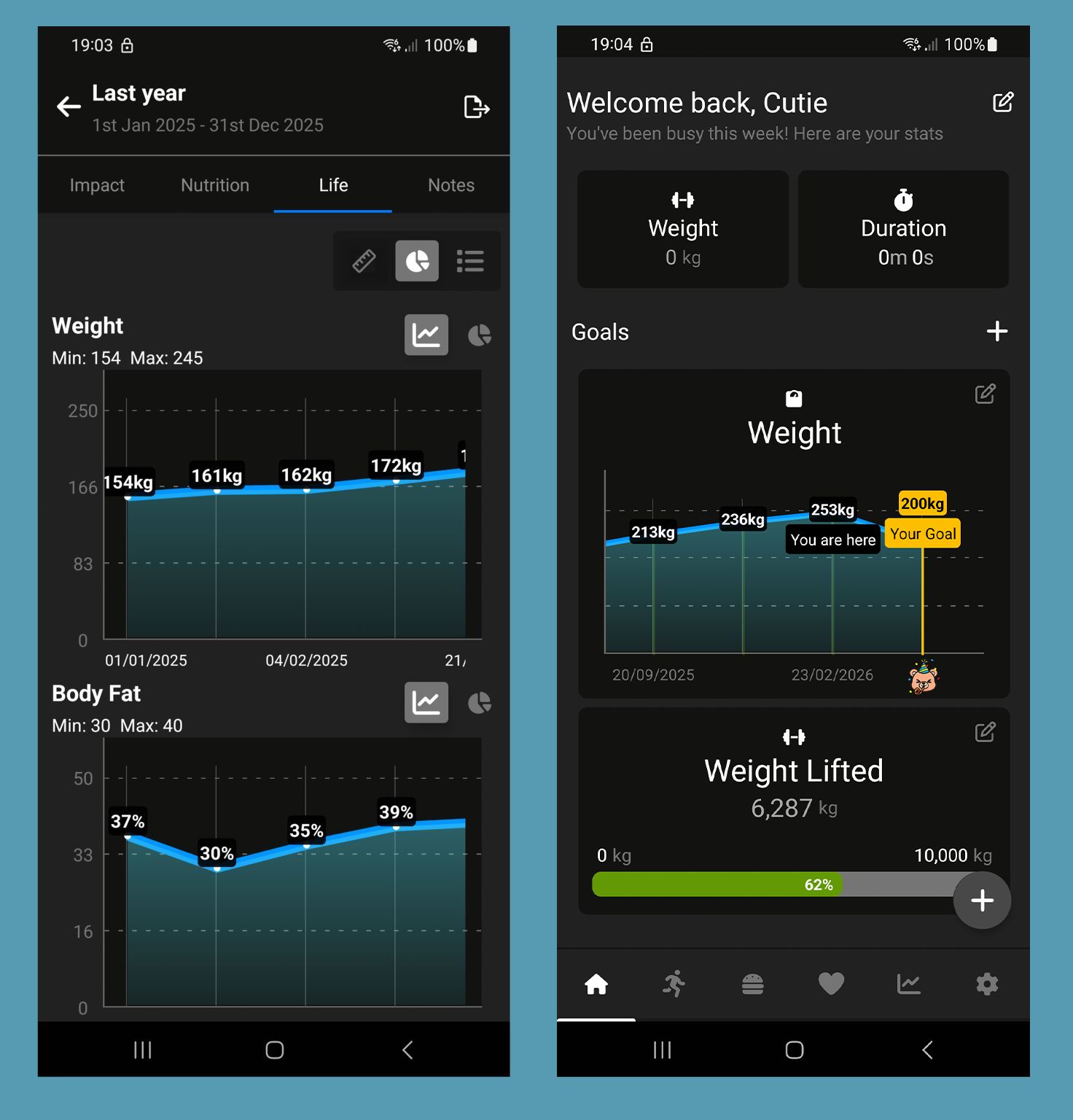
There's a few things working together against me here:
- There's a lot of data to draw in each chart
- There's multiple charts on the screen
- The "activity" area is already quite complex
- I'm stuck using a React native chart library which renders using the UI thread
- RN debug mode adds additional render lag
It worked perfectly on iOS, but Android - was a mess.
Screens would take ages to load and scrolling was worse than a slideshow.
To solve it, I had to:
- Refactor the whole area...
- Make better use of startTransition
- Split the Life logs area into memoised components (this was tech debt I omitted during building)
- Build an underlying cache layer, which combines log measurement data
- Split my data into chunks with lazy loading per screen
- Spread the data evenly, so instead of rendering 200 points per chart, we render 20.
- Introduce Legend List (more performant)
- Introduce pagination on scroll
It's taken a few days to solve but now on a 6 year old phone in debug mode it's silky smooth.
Thanks for reading!
More like this

Testing Database Migrations
Aug 15, 2026How I test Bearly Fit's on-device database migrations - seeded databases, restoring previous backups and verifying them from a custom React Native debug menu.
Read moreFood Photos in the Log View
Aug 03, 2026Final touches to the Bearly Fit food UI - food images in the log view, an info button, and a richer barcode scanning screen with Nova, Nutriscore and Ecoscore grades.
Read moreSmarter Food Search
Jul 28, 2026Making it easier to find food in Bearly Fit's growing database with meal-period presets, smart defaults based on the time of day, and Most Recent and All Food filters.
Read more